Your Vehicle Identification Number (VIN) is the single most important thing to check before agreeing to a private trade — but it takes more than one lookup to actually be safe. Here is the full four-step check, including what a free government VIN decoder can and cannot tell you.
Where to Physically Find the VIN
Before you trust any number a seller gives you verbally, confirm it in person, in at least two places:
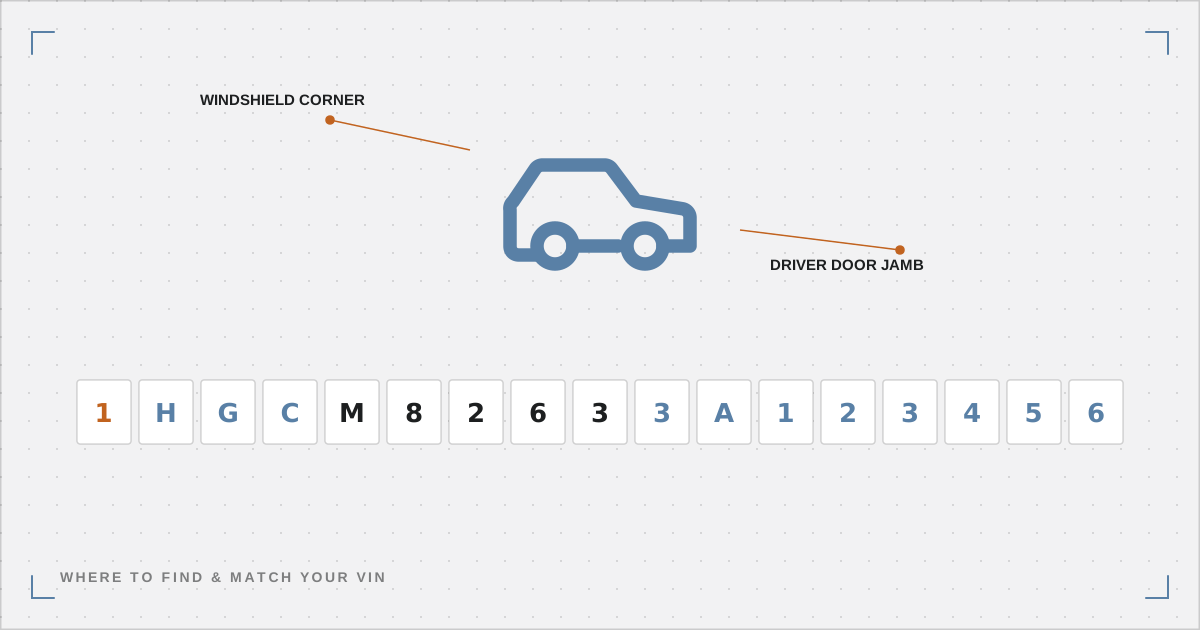
- The lower corner of the windshield on the driver's side, visible from outside the car
- The federal certification label on the driver's door jamb (open the door and look at the sticker on the frame)
- The vehicle's title and registration paperwork
- The insurance card or declarations page, if the seller has one
All of these must match, character for character. A mismatch between the plate, the door jamb sticker, and the paperwork is one of the clearest signs of a tampered or reassigned VIN, and a deal-breaker on its own.
What the 17 Characters Actually Mean
Every VIN built since 1981 is exactly 17 characters, and each position carries information:
- Positions 1–3 — the World Manufacturer Identifier (who built it and where)
- Positions 4–8 — vehicle attributes like body style, engine, and trim
- Position 9 — a check digit used to detect a fraudulent or mistyped VIN
- Position 10 — the model year
- Position 11 — the assembly plant
- Positions 12–17 — the vehicle's unique production serial number
Step 1 — Decode It With NHTSA's Free vPIC Tool
Go to vpic.nhtsa.dot.gov/decoder, the U.S. Department of Transportation's official, free VIN decoder, and enter the full 17-character VIN. It will confirm the manufacturer-reported make, model, model year, body type, engine, and assembly plant — useful for catching a car that's been misrepresented (a "2021" that's actually a 2019, for example, or an engine size that doesn't match the listing).
NHTSA's vPIC decoder only confirms factory specifications. It does not show a vehicle's ownership history, accident history, title status, or mileage — for that, you need the next two steps below.
Step 2 — Check for Open Recalls
Search the same VIN at nhtsa.gov/recalls to see any open (unrepaired) safety recalls tied to that specific vehicle. If something shows up, ask the seller for proof the recall repair was completed — it's usually free at any franchised dealer for that make, regardless of who owned the car when the recall was issued.
Step 3 — Pull the Title History Through NMVTIS
The National Motor Vehicle Title Information System (NMVTIS) is the authoritative federal database — built from state titling agencies, insurance carriers, and salvage yards — for a vehicle's title brand history. This is where you find out if a car has ever been titled Salvage, Flood, or Rebuilt in any state, even if the current title looks clean. Once a state brands a title, NMVTIS is designed to make sure that brand follows the car if it's ever re-titled elsewhere. You can pull an NMVTIS-approved report through your state DMV's consumer portal or an approved data provider.
Step 4 — Get a Full Vehicle History Report
Services like Carfax or AutoCheck combine NMVTIS title-brand data with additional records — reported accidents, number of previous owners, service history, and recorded odometer readings over time — into one report. It's the closest thing to a full paper trail on the car, and worth the small fee for any trade involving a meaningful amount of value.
Red Flags That Mean Walk Away
- The VIN on the windshield doesn't match the door jamb sticker or the title
- Rivets on the VIN plate look drilled out, replaced, or tampered with
- The NMVTIS or history report shows a salvage, flood, junk, or rebuilt brand the seller didn't disclose
- Reported mileage drops or stays suspiciously flat between service records (a sign of odometer rollback)
- The seller is reluctant to let you run any of these checks before meeting